
More than 5,500 confirmed exoplanets orbit distant stars beyond our solar system, and most people have never heard that they can explore them right now, for free, without a telescope or a science degree. NASA has built an interactive 3D universe that anyone can navigate from a browser — and once you find it, the night sky will never look the same again.
What Is Eyes on Exoplanets?
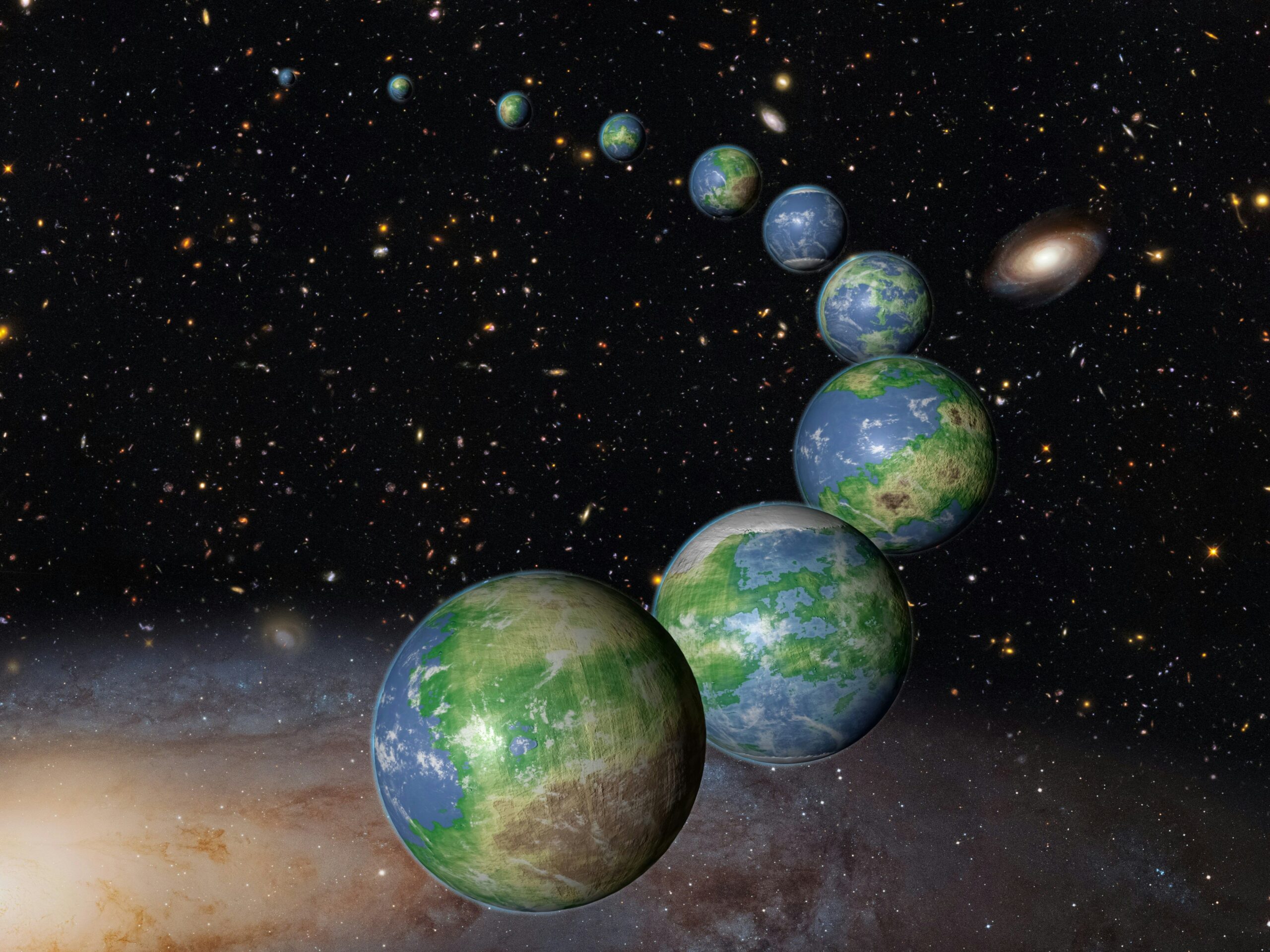
Eyes on Exoplanets is a free, 3D interactive visualization tool developed by NASA’s Jet Propulsion Laboratory (JPL-Caltech). Rather than presenting exoplanet data as a table of numbers or a flat star map, it renders an accurate three-dimensional model of the known universe populated with confirmed worlds orbiting distant stars. Users can fly through space, zoom in on individual star systems, and observe planets circling suns far beyond our own — all grounded in real astronomical data from NASA’s official exoplanet catalog.
The tool is accessible directly at Eyes on Exoplanets via NASA/JPL, and it requires nothing more than a modern web browser. No account, no download, no registration. The barrier to entry is, in every meaningful sense, zero.
What separates Eyes on Exoplanets from a simple graphic or an animated video is its interactivity. This is not a pre-rendered journey someone else designed for you. Users choose where to go, which star to visit, and which planet to examine. That degree of agency transforms passive curiosity into something that feels closer to genuine exploration.
How to Get Started

Navigating to the tool opens with a sweeping view of the galaxy that immediately signals this is something different from a typical educational website. Stars populate the darkness in accurate positions, and the sheer density of the view hints at what is waiting to be discovered.
To enter the full interactive experience, click the Explore Now button displayed prominently on the landing screen. That single click drops you into a navigable 3D universe. For anyone who wants a structured introduction before exploring independently, NASA hosts an official walkthrough at the Eyes on Exoplanets tutorial on science.nasa.gov, which covers navigation controls and key features in a guided format. A video walkthrough is also available for those who prefer a visual orientation before touching the tool itself. Educators looking for supporting classroom materials can find curated resources through the NASA Universe of Learning Eyes on Exoplanets page.
Navigating the 3D Universe: Core Features

Once inside, the core experience centers on travel and discovery. Users can move to any star beyond the Sun where confirmed exoplanets have been found, zooming in to inspect individual systems and the worlds within them. The navigation is intentionally intuitive: click a star, fly toward it, and examine the planets in its orbit. No manual is strictly required, though the tutorial helps users unlock shortcuts and filters that are not immediately obvious.
The accurate 3D universe representation means distances, star positions, and orbital geometry reflect real astronomical data — not artistic guesses or simplified diagrams. Stars are rendered with accurate color and relative scale. Red dwarf stars appear small and cool-toned, while massive stars are rendered proportionally larger and hotter than our own Sun. Planetary orbits are shown in motion, making it viscerally clear how some exoplanets complete an entire year in just a few Earth days, racing around their host stars in tight, fast loops.
Search and filter functions allow users to sort planets by size, temperature, discovery method, or how Earth-like they appear. For anyone curious about the search for life, isolating potentially habitable planets through the filter panel is one of the fastest ways to understand which systems scientists find most scientifically compelling. Discovery methods represented in the catalog include the transit method, radial velocity, direct imaging, and gravitational microlensing — and the tool identifies which technique confirmed each world, adding a layer of scientific literacy to every visit.
What You Will Actually See: The Science Behind the Visuals
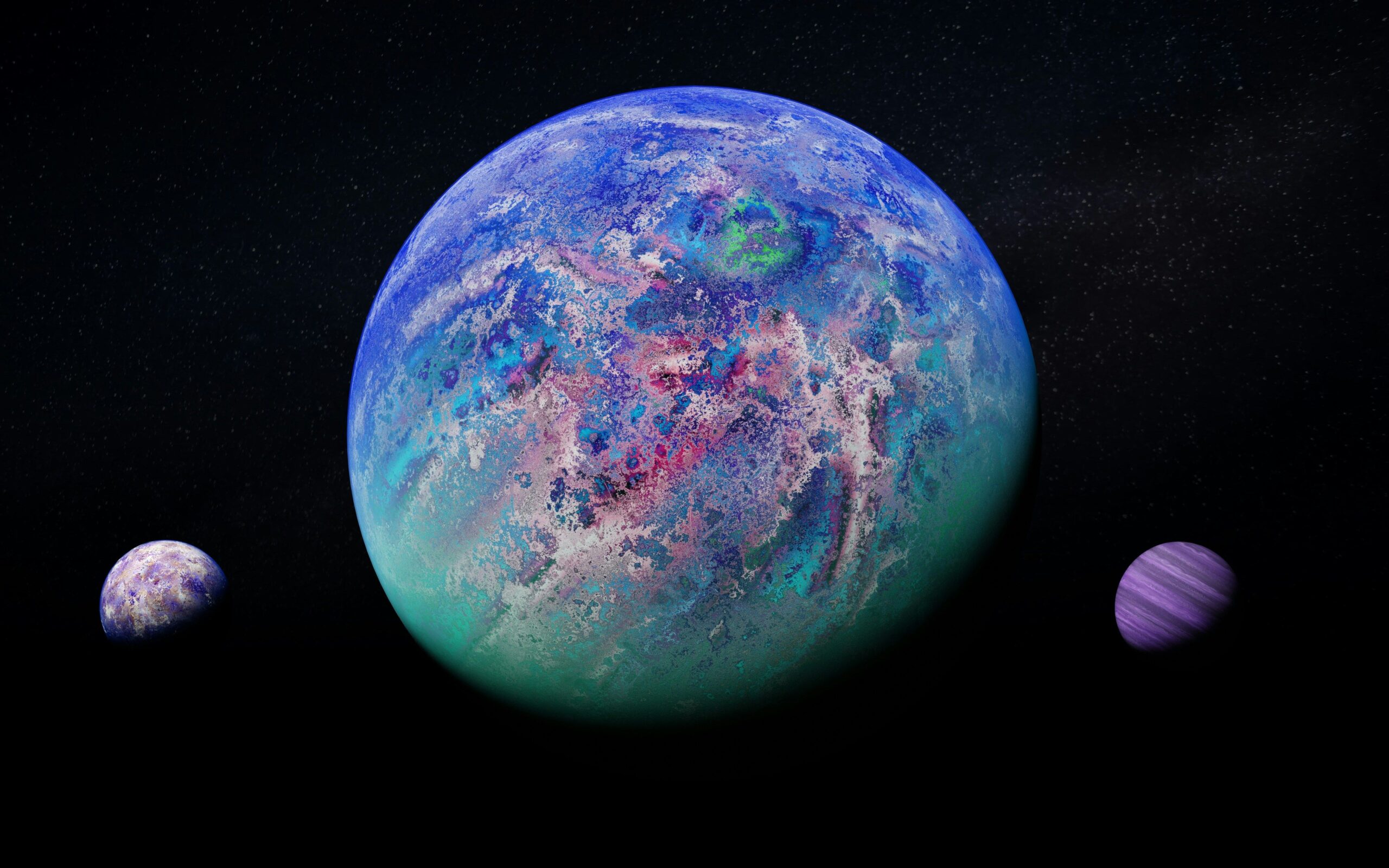
Every exoplanet entry in the tool draws on confirmed data. These are not speculative illustrations — they are scientifically grounded visualizations of real worlds. The catalog includes gas giants larger than Jupiter, scorched rocky planets racing around dim red stars, and worlds in the so-called habitable zones of their suns where liquid water could theoretically exist on the surface.
One of the most striking moments the tool produces requires no special navigation at all. Pulling back to maximum zoom distance reveals a full galactic view with confirmed planets represented across the map simultaneously. The galaxy stops feeling like an empty expanse and starts feeling populated — crowded, even, with possibility. Zooming back into a single star system and its individual worlds then creates a scale shift that is difficult to describe and easy to remember.
It is worth understanding what the visualizations represent and where they are necessarily limited. Because most exoplanets cannot be directly photographed with current technology, surface appearances are informed estimates based on planet size, mass, temperature, and host star type. The tool does not pretend otherwise, and the distinction between confirmed orbital data and modeled surface detail is part of what makes it an honest science communication resource rather than pure spectacle.
For educators, the combination of accurate data and visual immediacy is curriculum gold. No lab equipment, no field trip, no expensive software license. The same catalog informing peer-reviewed astronomical research is available to any student with internet access.
Tips for Getting the Most Out of Your Exploration
- Start with the tutorial. The official Eyes on Exoplanets tutorial covers keyboard shortcuts and navigation options that make the experience significantly richer. Spending a few minutes there before exploring independently pays off quickly.
- Use the filter panel deliberately. Filtering by habitability or planet type is the fastest path to the systems that carry the most scientific weight. It turns open-ended browsing into focused discovery.
- Try the full zoom-out, then zoom back in. Going from galactic scale to a single star system is one of the most memorable experiences the tool offers. The contrast between the two views communicates cosmic scale more effectively than almost any verbal explanation could.
- Examine the discovery method data. Each planet entry includes how it was found. Comparing a planet detected by the transit method against one found through direct imaging builds genuine intuition about how different detection techniques work and what they can reveal.
- Return regularly. As missions like TESS and the James Webb Space Telescope continue confirming new exoplanets, the catalog grows. The map that exists today will be larger and more detailed next year.
- Watch the video walkthrough. For users who learn visually, the video guide to using NASA’s Eyes on Exoplanets demonstrates navigation techniques that can be hard to discover through trial and error alone.
Why This Tool Matters Beyond the Wow Factor

Eyes on Exoplanets does something that statistics and headlines cannot: it converts abstract data into spatial intuition. A person who has flown through the tool’s galaxy and visited a dozen star systems carries away a felt sense of how many worlds exist — not just a number read once and forgotten. That kind of understanding is durable in a way that isolated facts rarely are.
The timing also matters. Exoplanet science is moving faster than at any point in history. The James Webb Space Telescope is already analyzing the atmospheres of distant worlds, searching for chemical signatures that could hint at conditions favorable to life. TESS continues adding confirmed planets to the catalog at a steady pace. Eyes on Exoplanets sits at the intersection of all that ongoing discovery and the public’s ability to follow it in real time — a living map of a science that is still being written.
For educators, it is a ready-made resource that makes planetary science tangible for students at virtually any level. For curious adults, it is an on-ramp to one of the most active frontiers in modern science. And for anyone who has ever looked up at the night sky and wondered what else might be out there, it is the closest thing to an answer that does not require launching a rocket.
Space exploration can feel remote — something happening in press releases and research papers, far removed from everyday life. Eyes on Exoplanets collapses that distance. The cosmos becomes a place you can actually visit, at least in the most meaningful sense available to us right now: with eyes wide open and a universe waiting to be explored.